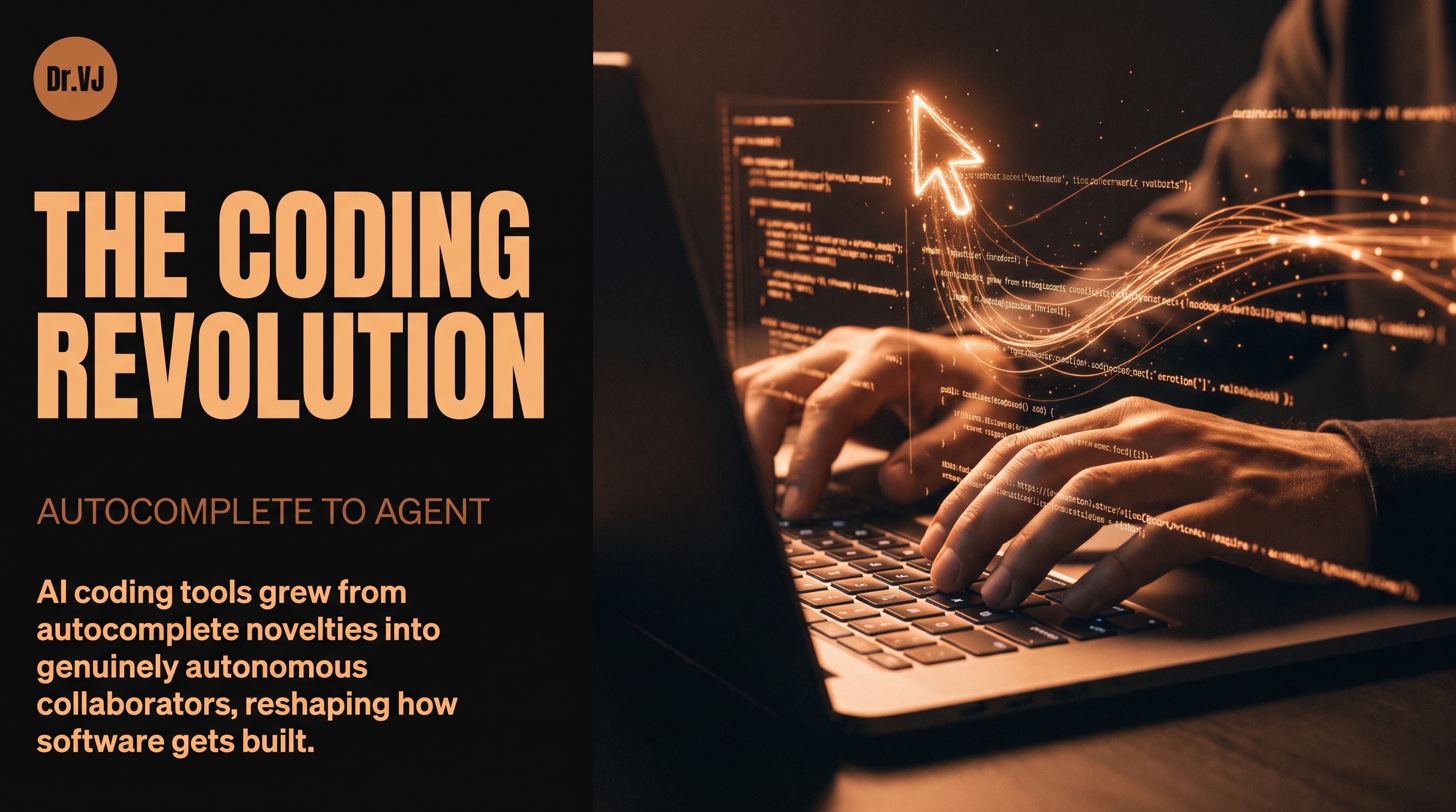
The question I get asked most often by software engineers in 2025 wasn't "should I use AI coding tools?" — that debate is over. The real questions are: which tool, for which tasks, integrated into which workflow? And beneath those practical questions lies a deeper one: how fundamentally is AI changing what it means to write software?
I've spent significant time in 2025 using and studying the major AI coding tools, talking with engineering teams across the industry, and thinking carefully about where this is heading. What follows is my honest, technically grounded take.
The Landscape Has Stratified
AI coding tools have matured into distinct categories, and it's worth being precise about them.
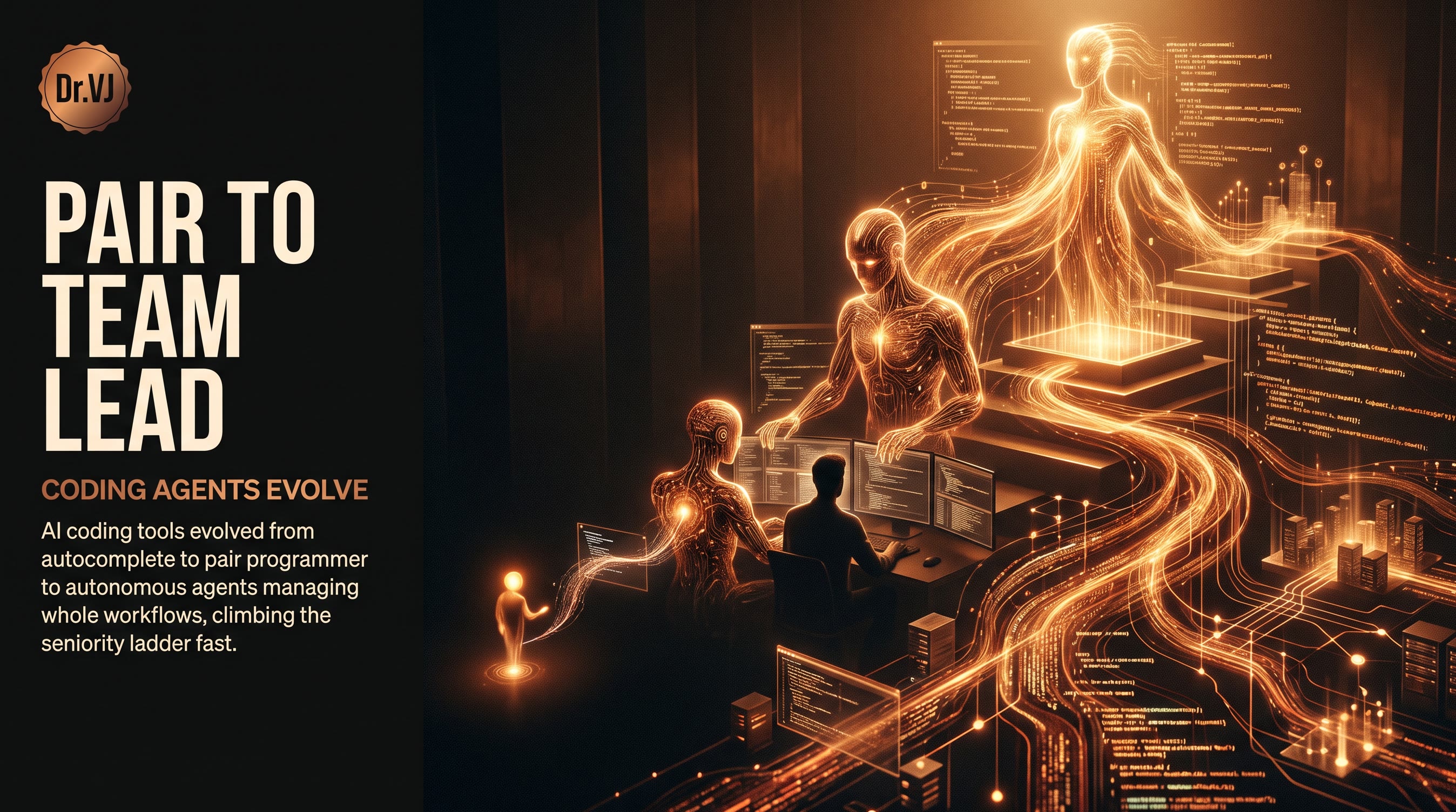
Autocomplete and inline suggestion tools — the original category, pioneered by GitHub Copilot in 2021 — have become table stakes. GitHub Copilot now claims over 1.8 million paid subscribers and has expanded well beyond inline completions into chat, code review, documentation generation, and pull request summarization. The product has matured significantly: the early "smart autocomplete" framing has given way to "AI pair programmer," and the feature set now genuinely supports that claim.
IDE-native AI assistants — Cursor's dominant category — take a different architectural approach. Rather than retrofitting AI capabilities into an existing editor, Cursor built a full VSCode fork with AI deeply integrated into the core interaction model. The tab completion, multi-file edit (Composer), and codebase-wide chat capabilities feel less bolted-on than Copilot in VS Code. Cursor reached significant enterprise adoption in 2025, and the company's ability to ship new model integrations quickly (supporting Claude 3.5 Sonnet, GPT-4o, and their own fine-tuned models) has kept it technically competitive.
Terminal and CLI agents — Claude Code is the most significant entrant in this category. Released by Anthropic in early 2025, Claude Code operates directly in the terminal, can read and write files, run commands, search codebases, and execute multi-step development tasks with minimal human intervention. It's a fundamentally different interaction model: less about augmenting what you're already writing and more about delegating complete subtasks. The experience of asking Claude Code to "add comprehensive error handling to the authentication module, write the tests, and update the documentation" and walking away to get coffee — returning to a pull-ready diff — is genuinely novel.
Autonomous coding agents — Devin from Cognition Labs and similar products represent the fully autonomous end of the spectrum. Devin can be given a GitHub issue and will attempt to solve it end-to-end: reading the codebase, writing code, running tests, debugging failures, and opening a pull request. The early demonstrations were impressive; the production reality has been more nuanced. Devin works well on well-scoped, well-documented tasks in familiar technology stacks and struggles with ambiguous requirements, complex debugging scenarios, and codebases with poor test coverage.
What Each Tool Does Best
GitHub Copilot excels in enterprise environments where standardization, compliance, and integration with GitHub's ecosystem matter. The IP indemnification, enterprise data privacy controls, and native GitHub integration (code reviews, Actions, security scanning) make it the safe choice for large organizations. It's also the most battle-tested — three years of production use at scale has ironed out many rough edges. The weakness is that it's still primarily an inline tool that doesn't think across large codebases as effectively as Cursor's Composer or Claude Code.
Cursor wins on the quality of the multi-file editing experience and the speed of the development loop. The ability to highlight a function, describe what you want changed, and have the edit applied across multiple dependent files is genuinely faster than alternatives. Cursor's "@" syntax for referencing files, docs, and web content in context is well-designed. The limitation is that it's session-local — it doesn't have the persistence or ability to run commands and observe results that makes Claude Code feel more like a junior developer than a sophisticated autocomplete.
Claude Code is the tool I reach for when I want to delegate a complete task rather than get help with what I'm already writing. Its strength is the combination of strong reasoning (Claude 3.5 Sonnet/Opus's performance on code benchmarks is genuinely impressive), terminal access, and the ability to iterate — write code, run tests, see failures, fix them — without constant human hand-holding. The caveat is that it requires clear task specification upfront; vague requests produce vague results, and the feedback loop is slower than inline tools for rapid iteration work.
Devin and similar autonomous agents (including GitHub's Copilot Workspace, which has moved toward a similar model) are best suited for well-defined, isolated tasks: implementing a specific feature from a detailed spec, fixing a specific bug with a clear reproduction case, or migrating code between frameworks with known transformation rules. They are not ready for open-ended architectural work or for codebases they haven't been given time to understand.
The Honest Productivity Numbers
The "10x developer" framing that circulated in 2023 was always marketing. What the evidence actually shows — from GitHub's own research, from independent studies, and from my own observations — is more nuanced.
For boilerplate-heavy tasks (CRUD endpoints, test writing, documentation, configuration files), AI tools deliver 30–70% time reductions. This is real and significant. If 40% of a developer's week is boilerplate, and AI cuts that in half, you're looking at a 20% overall productivity gain — meaningful, but not transformative.
For complex, novel engineering problems — designing a distributed system, debugging a race condition in a concurrent system, architecting a migration from a legacy monolith — AI tools are helpful but not dramatically faster. The value comes from having a knowledgeable sounding board, quickly surfacing relevant patterns, and reducing context-switching costs. Experienced engineers who use these tools well often describe them as "eliminating the annoying parts" rather than "replacing the interesting parts."
For junior developers, the impact is more complex. AI tools can accelerate the learning curve on specific tasks while simultaneously hiding the learning that comes from struggling through implementation details. I've seen teams where junior engineers using Copilot aggressively are shipping more code but developing weaker debugging skills than previous cohorts. This is a management and mentorship challenge, not a reason to avoid the tools.
The Code Review Crisis
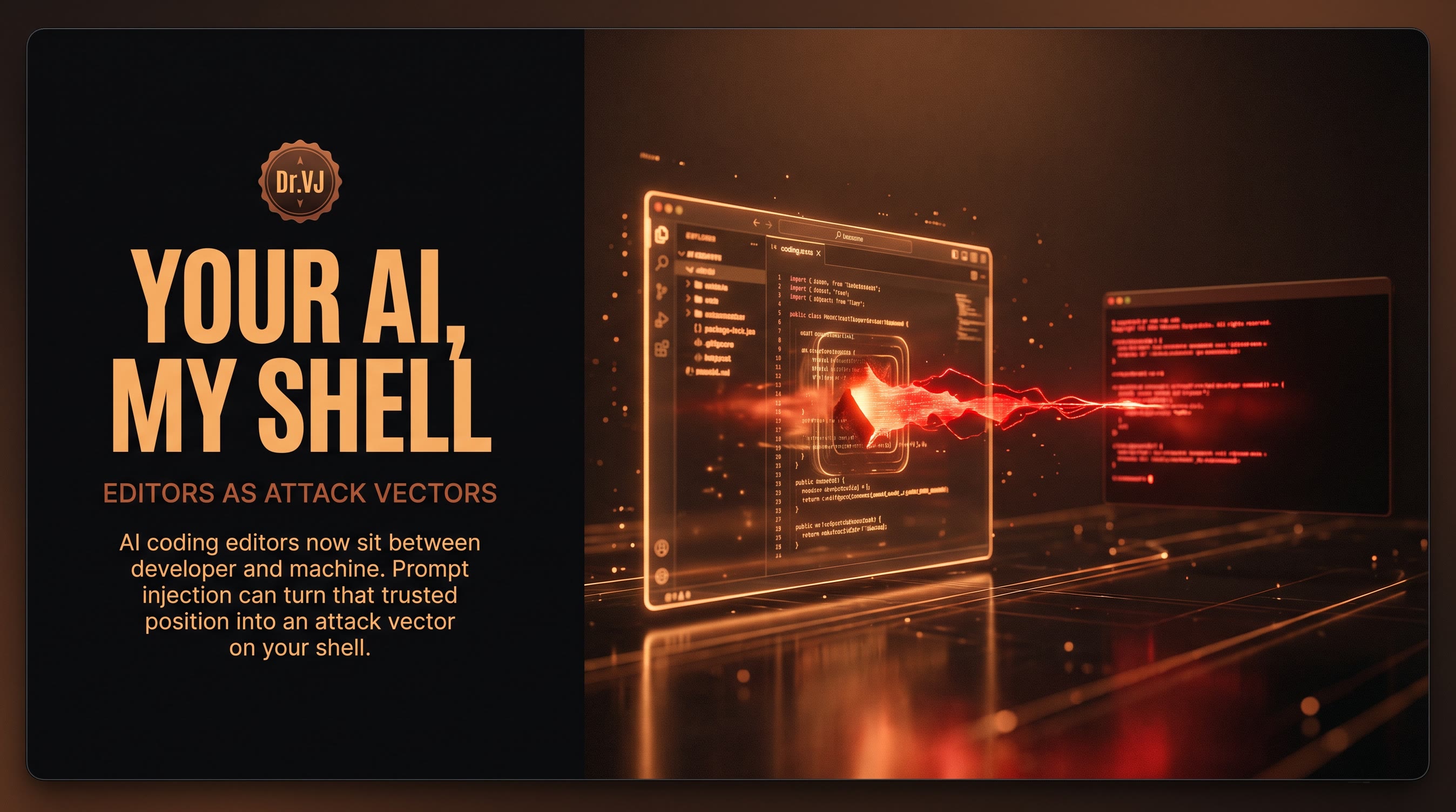
One underappreciated consequence of AI coding tools is the pressure they put on code review practices. When developers can generate large diffs quickly, code review becomes a bottleneck — and there's a temptation to approve AI-generated code with less scrutiny than human-written code. This is backwards. AI-generated code should receive at least as much scrutiny, because the failure modes are different and subtler: code that looks correct, passes tests, but contains logic errors or security issues that a careful reviewer would catch.
GitHub Copilot's code review features and tools like CodeRabbit are addressing this, but the human culture piece — slowing down review when generation speeds up — requires active management.
Where This Is Going
The trajectory is clear: coding tools are moving from autocomplete to autonomous agents, and the integration points are expanding from the IDE to the full software development lifecycle. The interesting question isn't whether AI will write more code — it clearly will — but what skills become more valuable and which become commoditized.
My view: software architecture, system thinking, requirement disambiguation, and code review judgment are all increasing in value. The ability to ask the right question, specify the right constraint, and evaluate whether a generated solution is actually correct — these are distinctly human skills that become more important when code generation is cheap. Mechanical coding ability — memorizing API signatures, writing obvious algorithms — is decreasing in relative value.
This is good news for experienced engineers who cultivate taste and judgment. It's a significant shift for those whose professional identity is tied to producing code volume. The metric that matters in AI-augmented development isn't lines of code written or PRs merged — it's the quality of the problems solved.
2026 will bring more autonomous agents, better long-context reasoning over entire codebases, and increasingly seamless integration between AI tools and software delivery pipelines. The developers who will thrive are those already developing the judgment to guide, evaluate, and course-correct these systems — not those waiting for the tools to plateau before engaging with them.
Explore more from Dr. Jyothi